Firewall Setup
Security · 5 min
A firewall is your first line of defense. Heres how to secure your AI stack.
UFW Basics
# Install UFW
sudo apt install ufw

# Enable
sudo ufw enable

# Default policies
sudo ufw default deny incoming
sudo ufw default allow outgoing

# Allow SSH (rate limited)
sudo ufw limit 22/tcp

# Allow HTTP/HTTPS
sudo ufw allow 80/tcp
sudo ufw allow 443/tcp

# Check status
sudo ufw status verbose
Docker + UFW
# Edit /etc/docker/daemon.json
{
  "iptables": false
}

# Then UFW will manage Docker containers
Fail2Ban
# Install
sudo apt install fail2ban

# Copy config
sudo cp /etc/fail2ban/jail.conf /etc/fail2ban/jail.local

# Edit /etc/fail2ban/jail.local
[sshd]
enabled = true
port = ssh
filter = sshd
maxretry = 3
bantime = 1h

# Restart
sudo systemctl restart fail2ban
Network Segmentation
| Zone | Services | Access |
|---|---|---|
| DMZ | Traefik | Public |
| Internal | n8n, Ollama | VPN only |
| Database | PostgreSQL | Internal only |
Checklist
- UFW enabled and configured
- SSH rate-limited
- Fail2Ban installed
- Unnecessary ports closed
- Docker network isolated
Related articles
Security
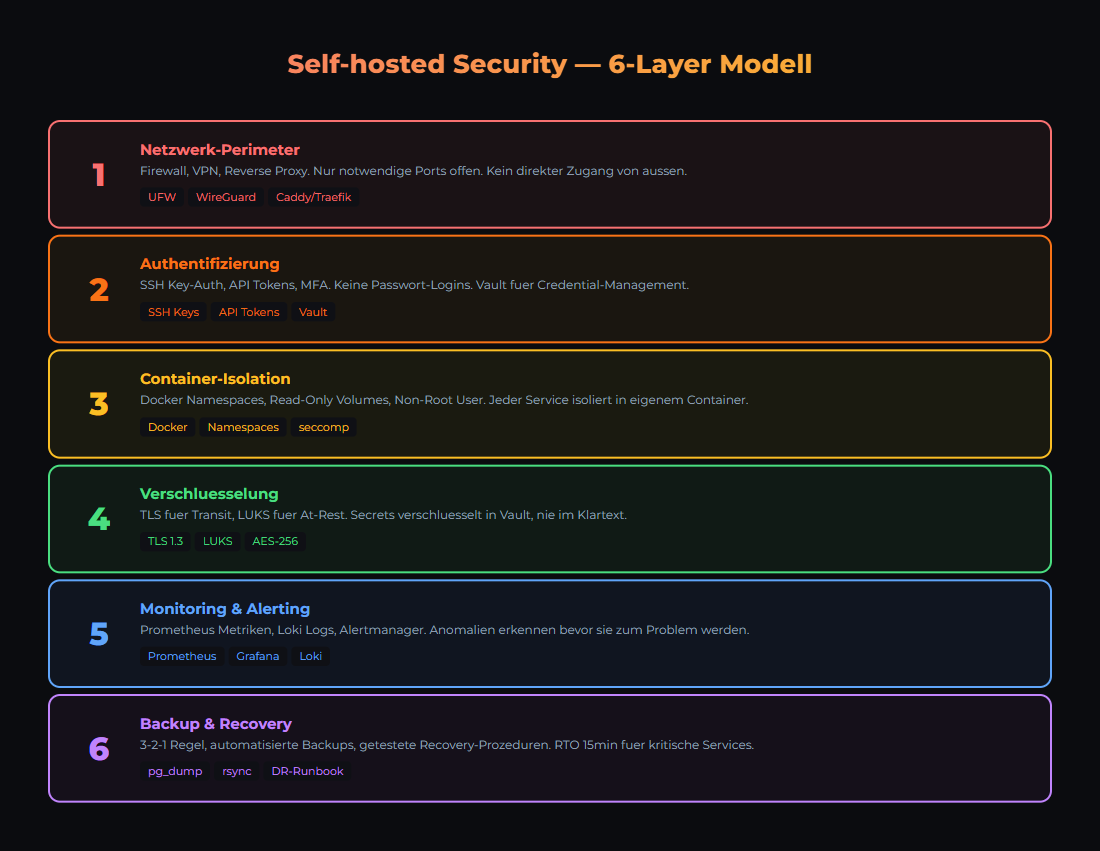
Self-Hosted Security: The 6-Layer Model
6 security layers for self-hosted AI infrastructure: network, SSH, firewall, containers, application, monitoring. Practical hands-on guide.
Security
API Keys Secure Storage
Vault, Environment Variables, Secrets Management for AI Stack.
Security
Backup Strategy
3-2-1 rule, automated backups for Ollama, n8n, PostgreSQL.
Was this article helpful?
Continue the learning path
The learning path puts these articles in order, and the Hub carries the building blocks we have checked in our own operations.
Why AI Engineering
- Local and self-hosted
- Documented and verifiable
- From our own operations
- Made in Austria
Not legal advice.